
A rate attached to the rental.
The hourly rate is recorded with the workload, giving the usage calculation a defined starting point.

Find verified GPU providers to train and run your models. Bring your data, choose your hardware, and manage your workloads in one place.
It needs useful data, available hardware, and people who bring them together. GarbinAI connects that chain, from the repository you start with to the provider who runs your workload.
Compare the things that matter: GPU memory, region, capacity, and provider pricing. Choose your hardware with context.
Model, GPU count & available VRAM
Hardware verificationFind a server that fits your workload instead of shaping your workload around whatever is available.
Your models, data, and demos deserve a home too. Keep the resources behind your AI work connected.
Discover models by task, inspect repository files, and review documentation before you commit to a foundation. Import your own Hugging Face repository when you already have one.
Browse models# Your model, documentedTask Text generationSource Hugging Face repositoryAccess Defined by the owner Your work, connected.
Choose training or inference. Add your repository or container reference, run command, resource requirements, and duration limit.
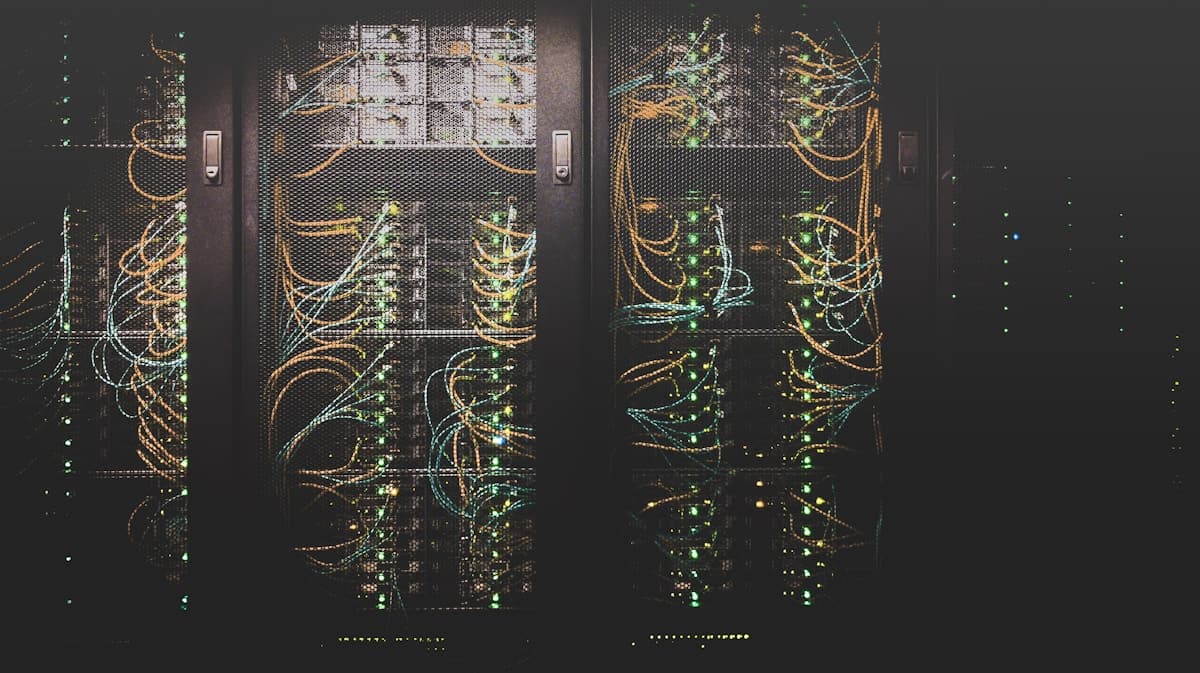 THE OTHER SIDE OF THE MARKETPLACE
Connect the hardware you own to people who need it. Register your server, verify its GPU resources, and choose the rates and capacity you want to offer.
Register your machine and verify its detected GPU resources.
Choose pricing, supported workloads, and maximum concurrent jobs.
Pause or resume your listing, recheck health, and follow assigned work.
A marketplace needs a clear record of what ran, what it cost, and how the amount was split.
The hourly rate is recorded with the workload, giving the usage calculation a defined starting point.
Settlement records keep billed GPU-hours, charges, fees, and the provider amount together.
Completed, failed, and cancelled jobs have outcomes that are reflected in the usage and settlement flow.
Server management is tied to the creator. Providers control their own pricing, availability, and configuration.
Hardware verification, server state, fresh health information, and capacity inform rental readiness.
Authenticated workflows and resource ownership checks govern access to jobs and provider actions.
Models, datasets, and Spaces are more valuable with context and conversation. Share repositories, explore community projects, and bring collaborators into the work.
Explore the communityThe marketplace is the starting point. Our broader direction connects useful AI infrastructure with privacy and recognition for the people who contribute.
Exploring client-side privacy tooling, sensitive-data masking, and provenance signals around AI interactions.
A longer-term model for recognizing the people who contribute models, data, training, code, and compute.
GarbinAI connects AI resources and GPU compute in one marketplace. Builders can discover models and datasets, run training or inference workloads, and share demos in Spaces. Providers can register hardware, set rates, and manage their servers.
Server onboarding checks the actual machine over SSH and compares the detected GPU model and count with the provider's listing. Server health and available capacity are checked as part of rental readiness.
Yes. Compare provider listings and select a server for your workload. Job creation also supports automatic selection for compatible resources with available capacity.
Usage is recorded in GPU-hours using the rental's hourly rate. Settlement records track the charge, platform fee, provider amount, and job outcome. Review the current listing and billing details before starting a job.
Yes. Sign in with Hugging Face to import models, datasets, and Spaces. GarbinAI also supports creating repositories and managing their files and documentation.
The broader GarbinAI roadmap includes Garbin-Shield privacy tooling and contributor rewards. These are a longer-term direction, separate from the current model, dataset, Space, and GPU marketplace workflows.